iOS app / Music education / Website design
Sisco’s Guitar Trainer

Project details
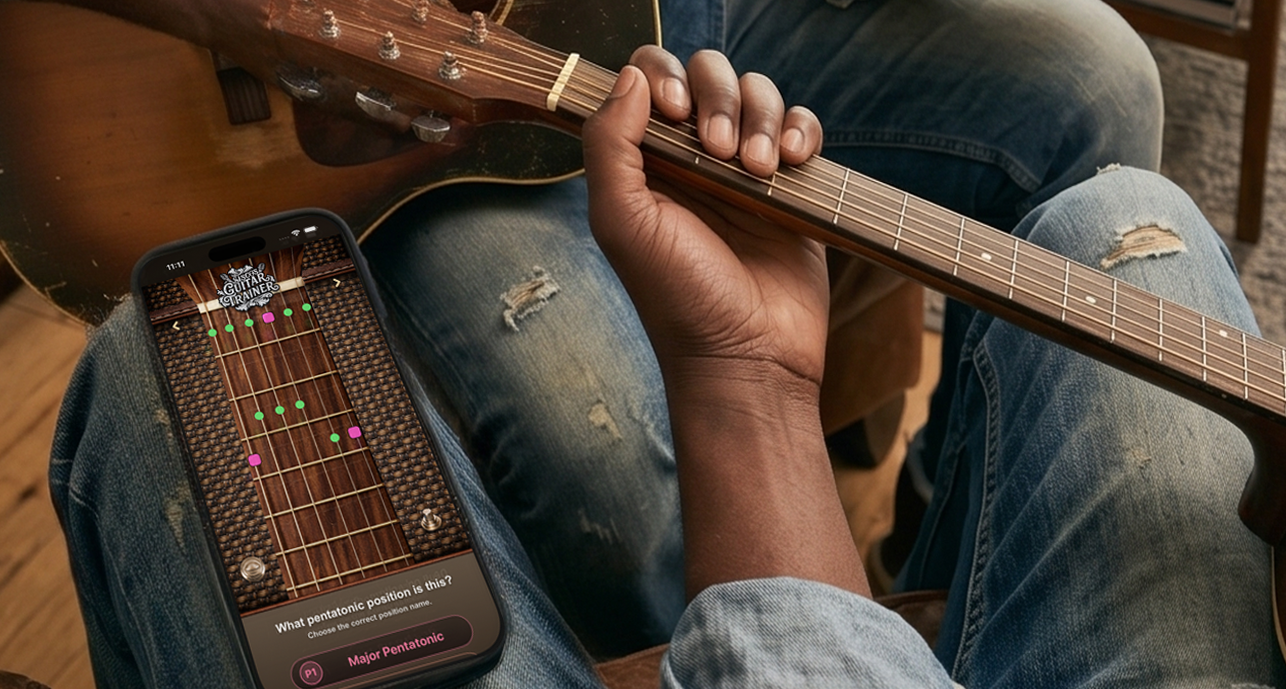
A guitar-learning app that connects fretboard patterns, music theory, live note matching, and AR-assisted practice.
I started Guitar Trainer to improve my own playing and make modes, roots, and scale degrees easier to understand. I designed short practice flows, a visual fretboard, and feedback that connects theory to the physical instrument.
I took it from an AI-assisted HTML5 prototype to a native iPhone and iPad app, directing the concept, UI/UX, coding, testing, and visual identity. I also created the product website, artwork, and App Store presentation.
My role
Concept · UI/UX · iOS development · Brand & launch
Web preview available—no Apple device needed to browse.
Guitar Trainer website homepage
Open website in a new tab ↗If the live preview is blocked by the browser, use the link above or explore the homepage screenshots below.
Product website
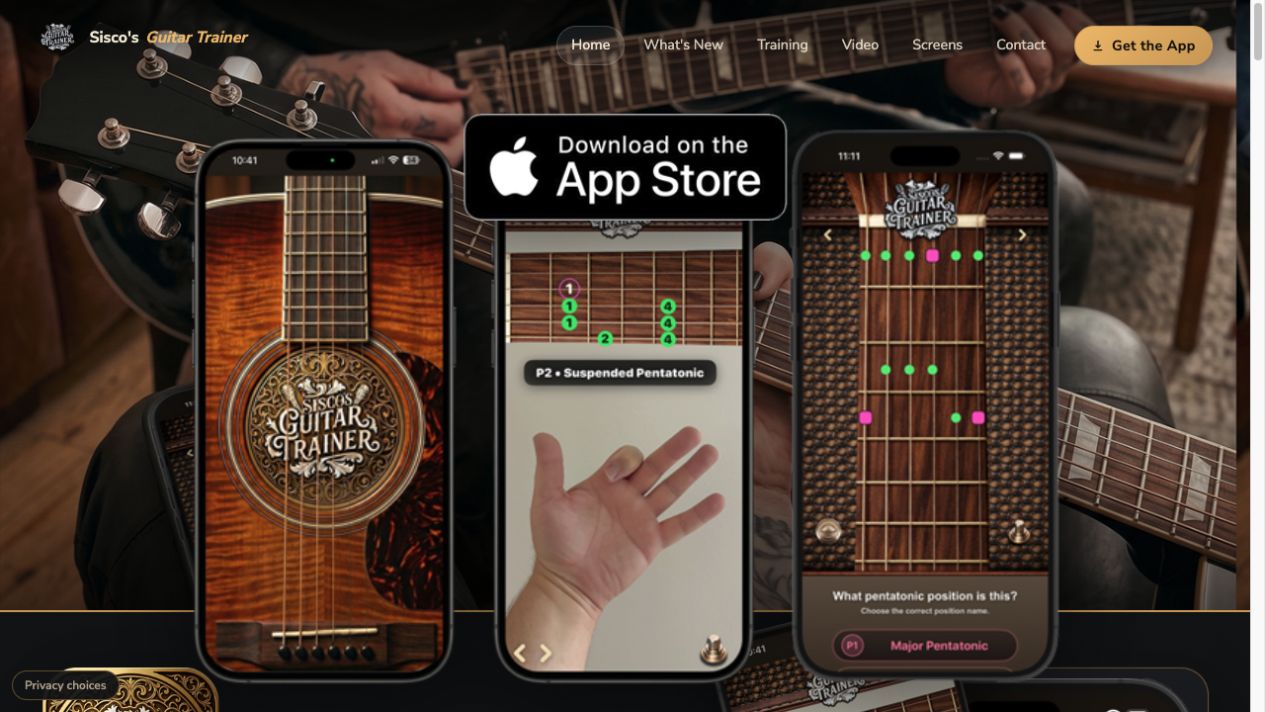
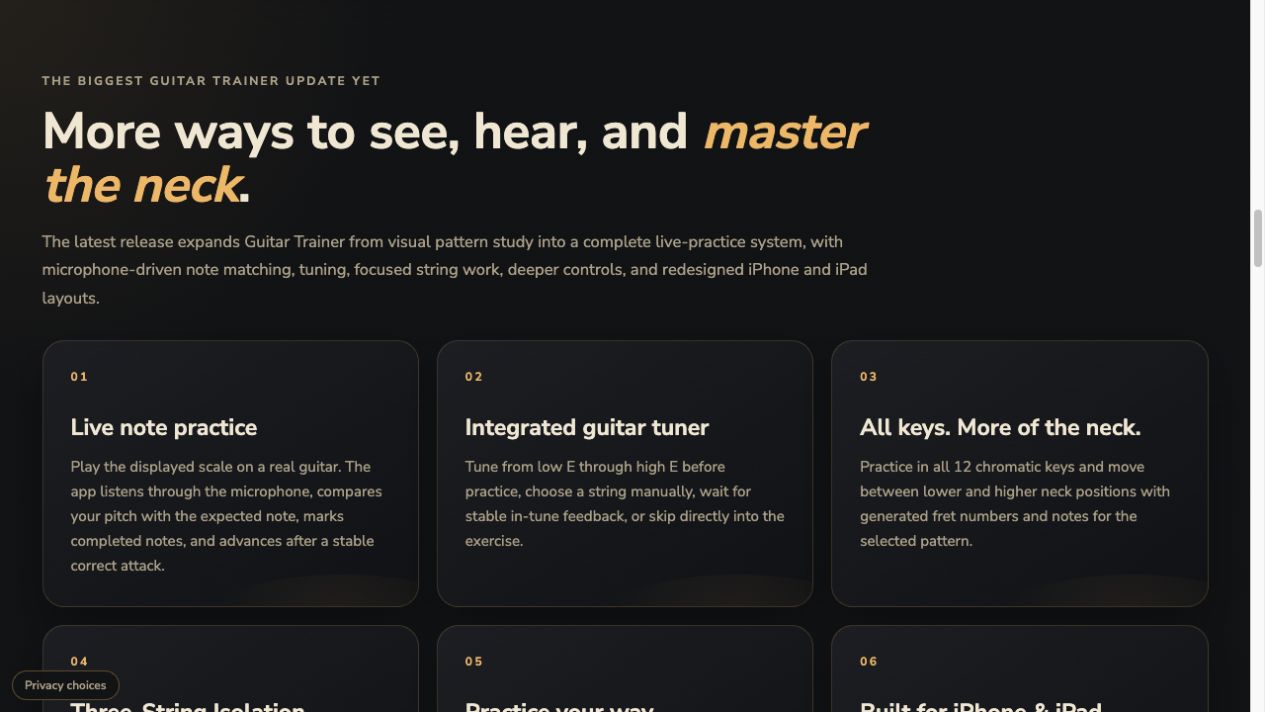
I designed the launch site to carry the app’s instrument-inspired look into a responsive web experience, with a visual introduction, feature explanations, and a clear path to the demo and App Store.
Live note-match demo
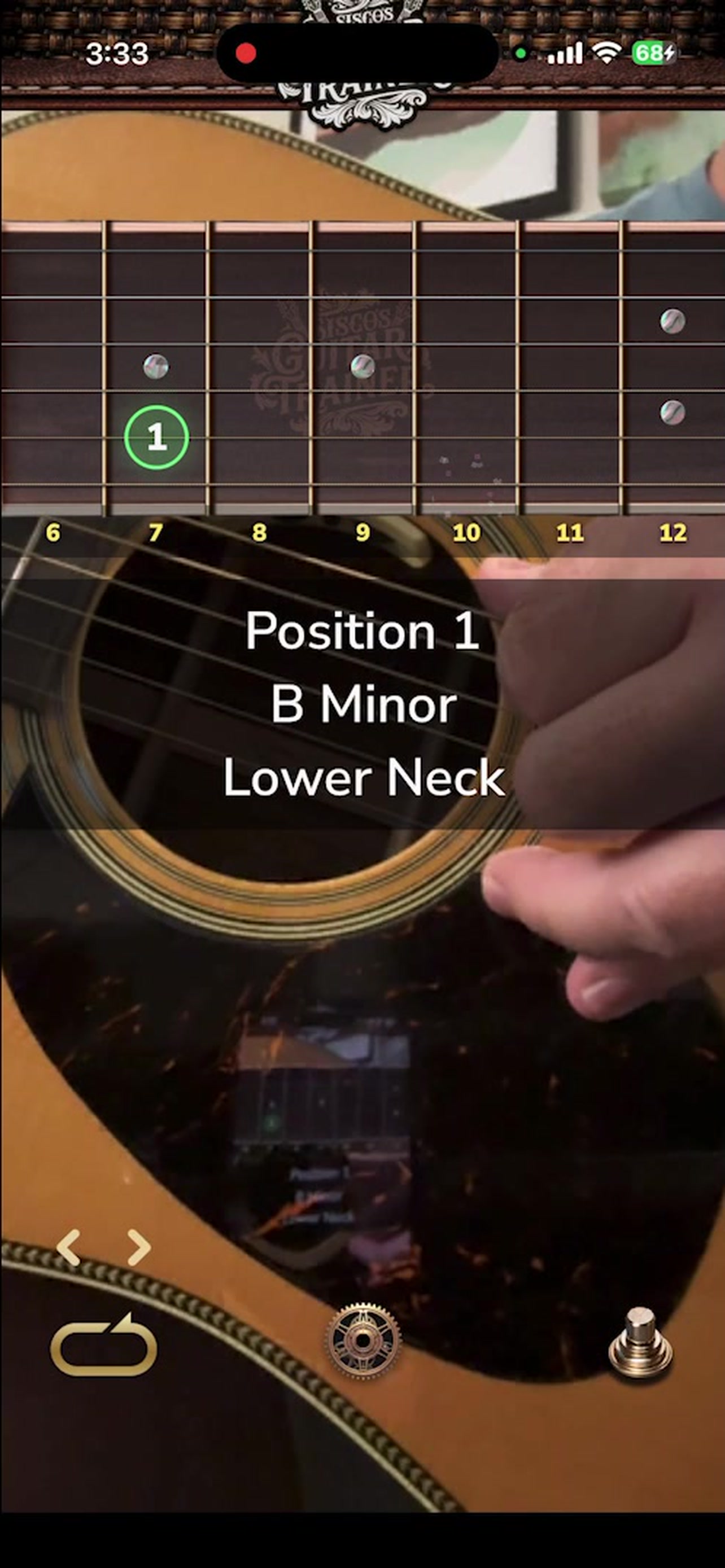
The same walkthrough featured on the product website shows the app listening while a player works through notes on a real guitar.
App Store presentation
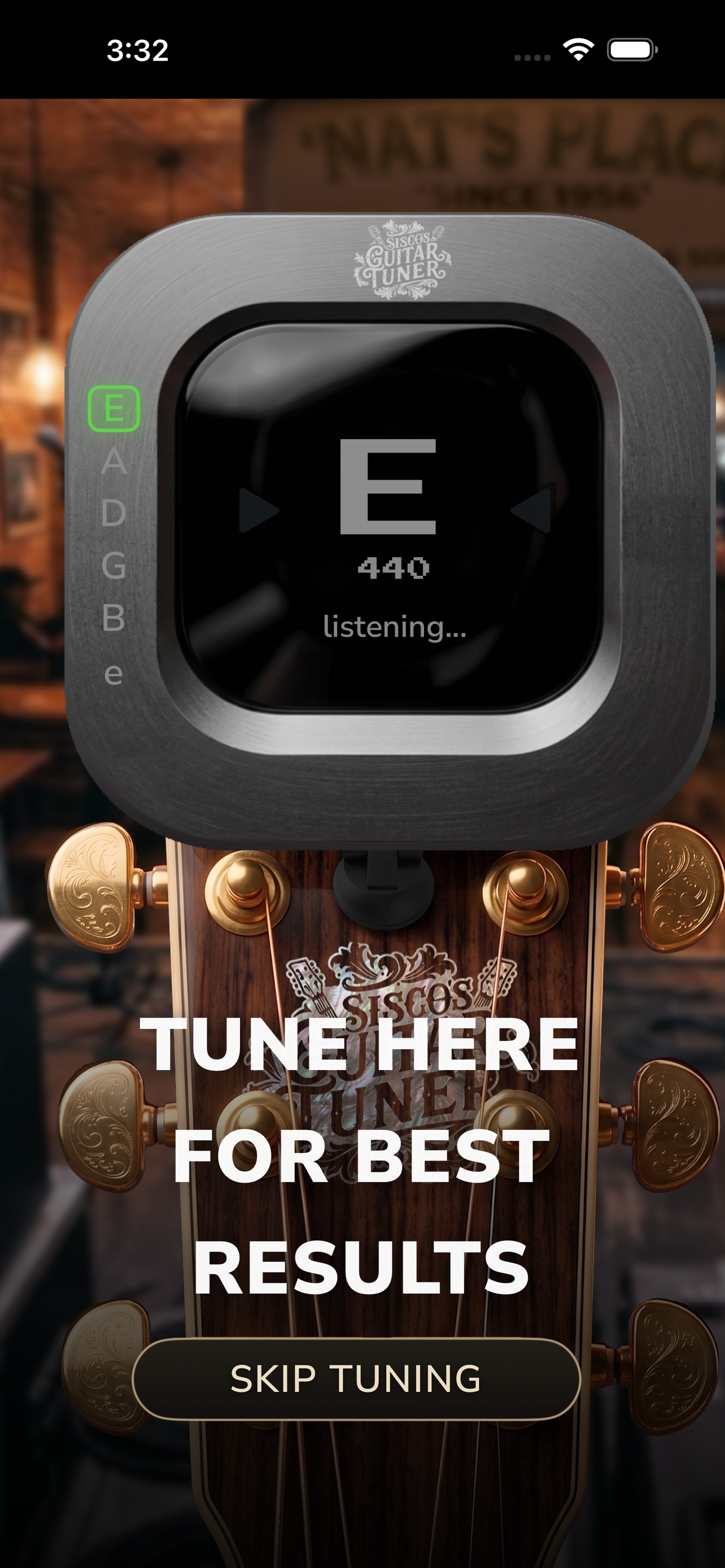
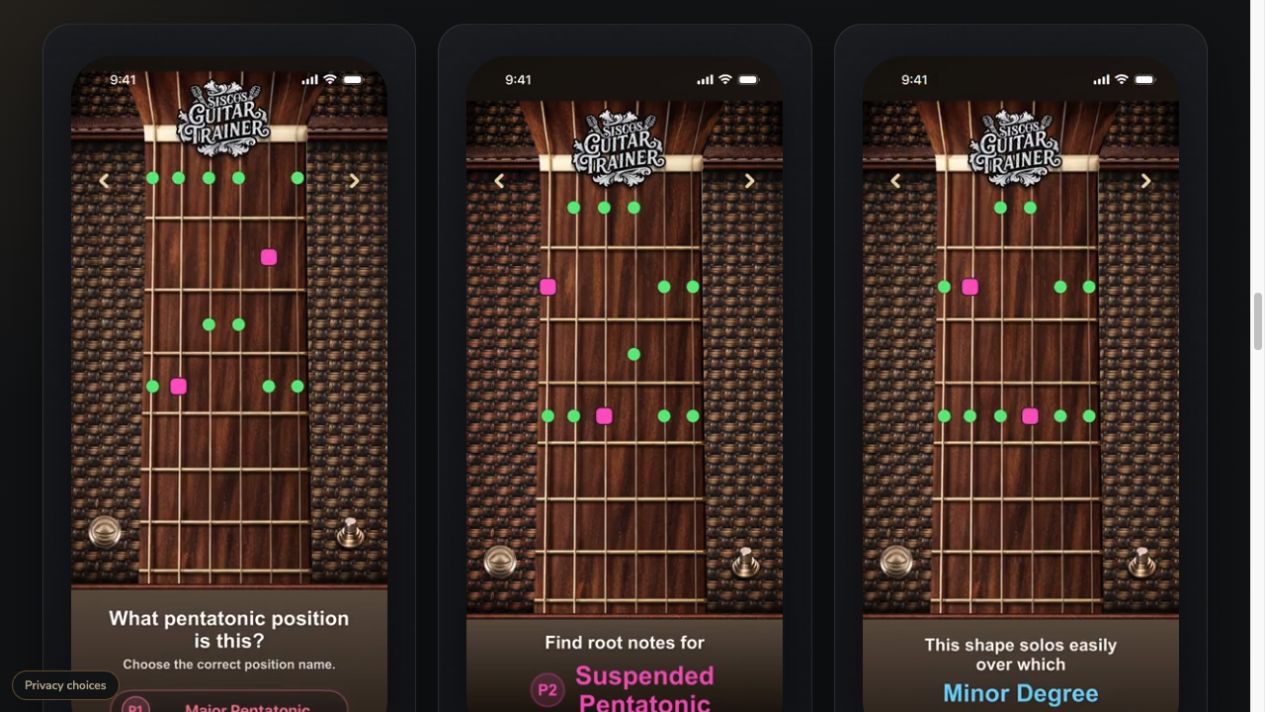
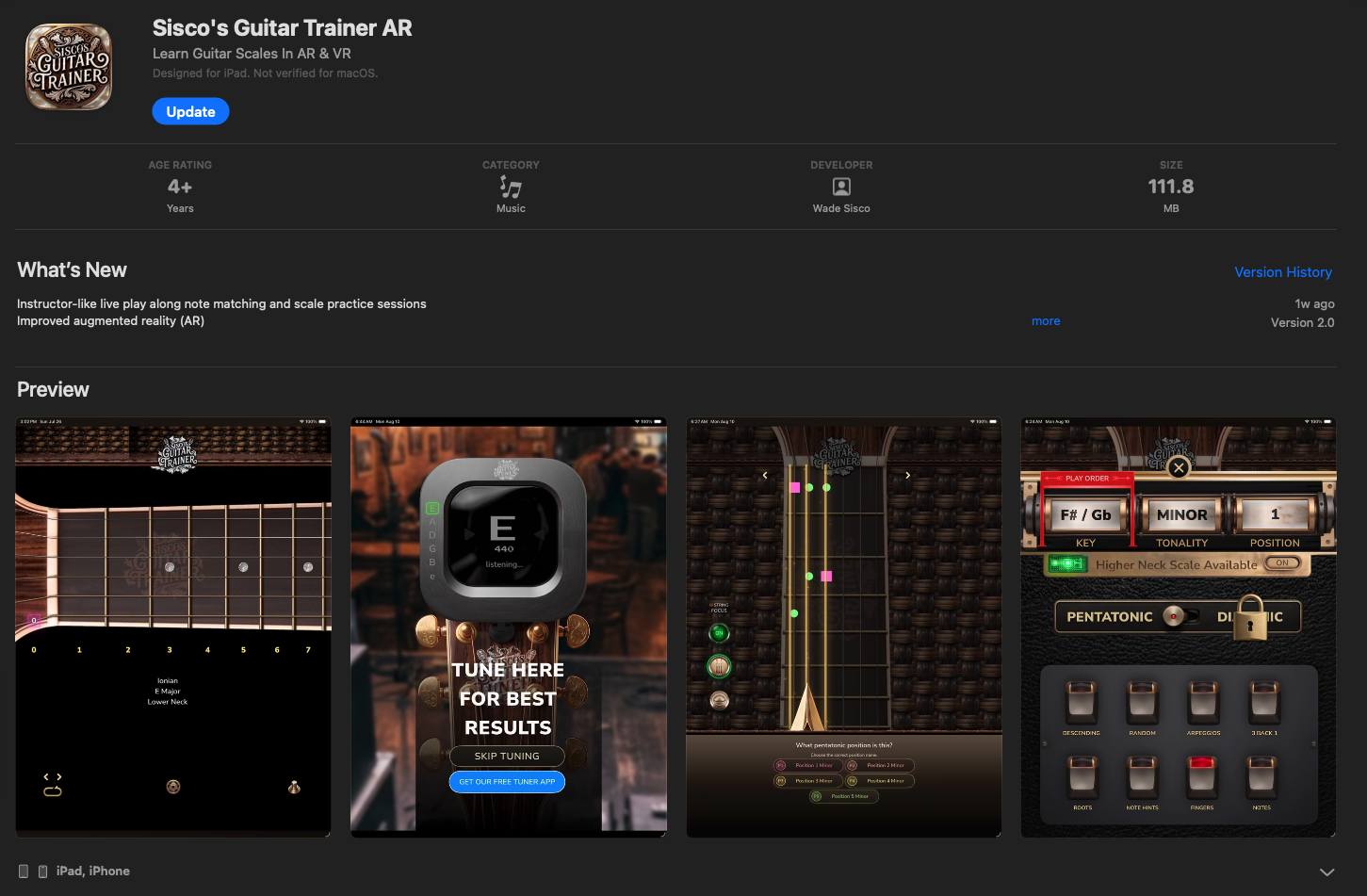
The released app’s listing pairs the ornate icon with screenshots of the fretboard, tuner, and practice controls.
Inside the app
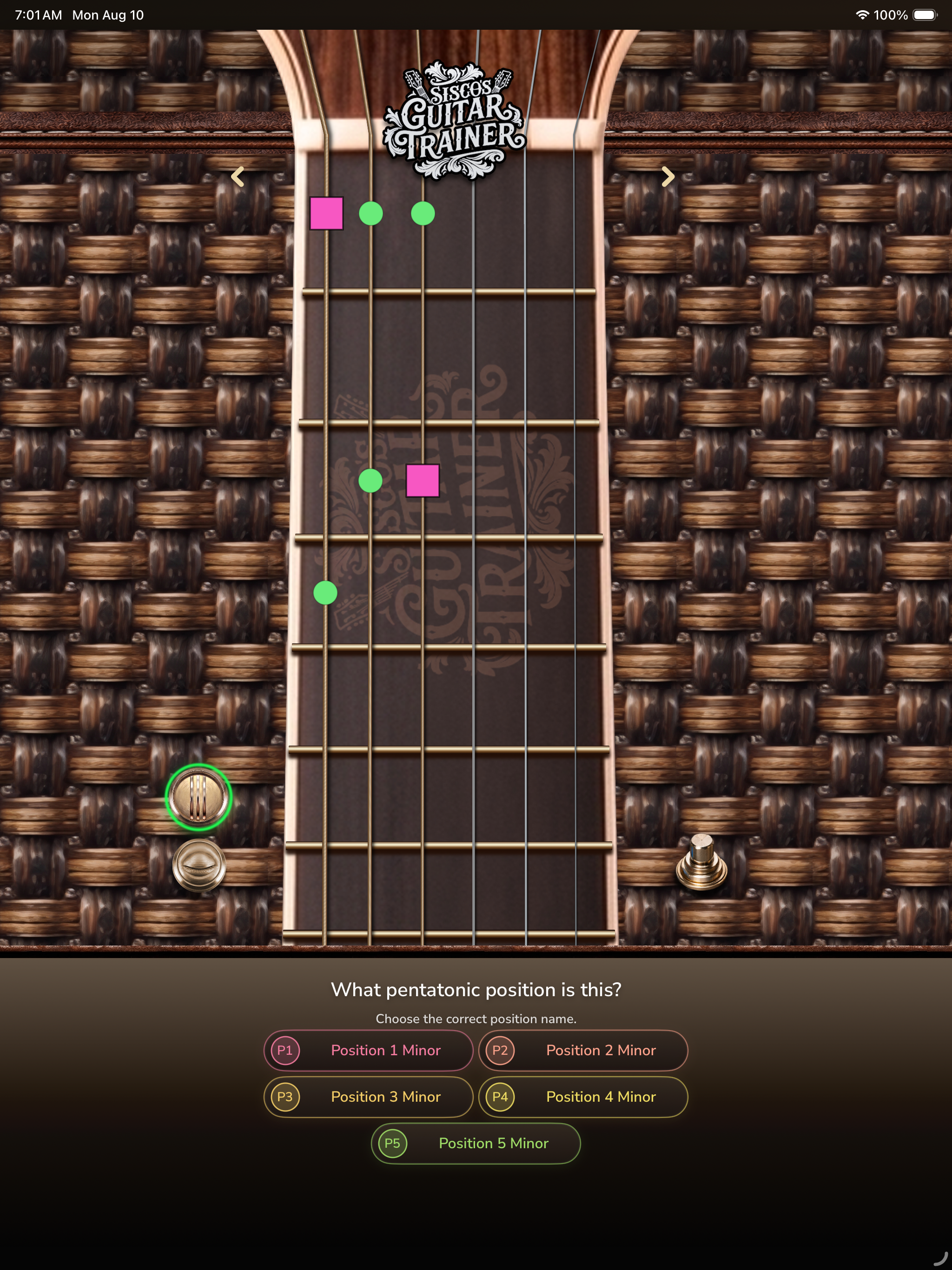
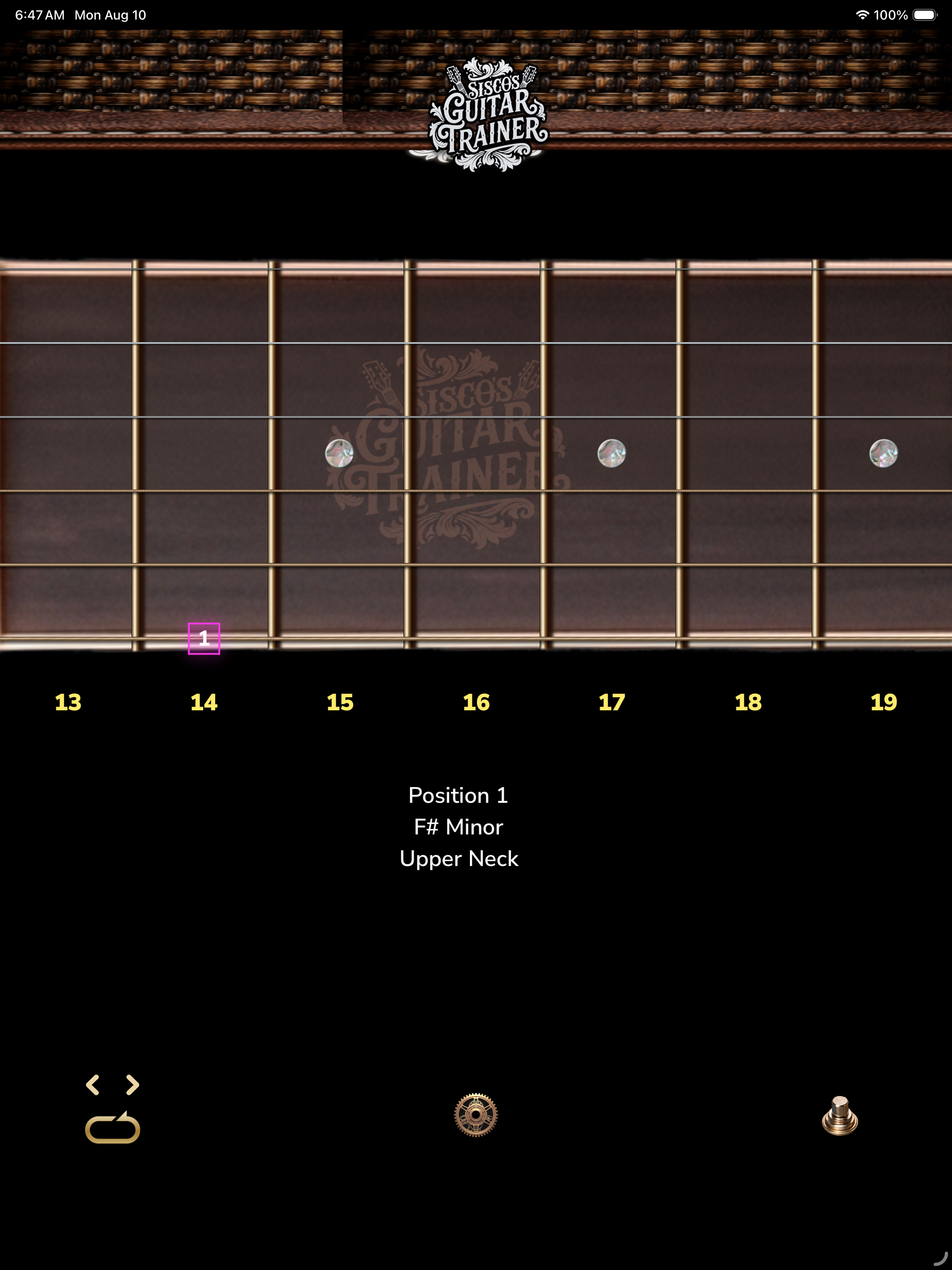
Selected full-resolution iPhone and iPad screens, from pattern recognition to live practice.